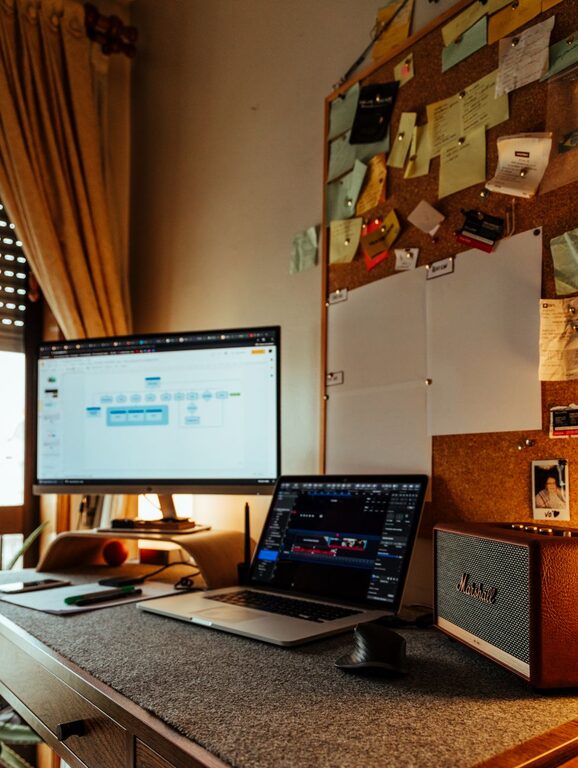
Creating a cozy and productive home office space is essential for anyone working remotely or spending considerable time on personal projects. A well-designed workspace can enhance focus, reduce stress, and make your workday much more enjoyable. In this post, we’ll explore practical tips to help you design a home office that balances comfort with productivity.
1. Choose the Right Location
Selecting the perfect spot for your home office is the first step. Ideally, pick a quiet area with minimal traffic and distractions. If you have a spare room, that’s a great option, but even a corner in the living room or bedroom can work. Consider these factors:
– Natural light: A space near a window can boost mood and energy.
– Privacy: Close proximity to household activity may affect concentration.
– Noise level: Avoid places with loud appliances or heavy foot traffic.
2. Invest in Comfortable and Supportive Furniture
Comfort is key to productivity. Spending hours at a desk requires furniture that supports good posture and reduces fatigue.
– Desk: Choose a desk that suits your work style and fits your space. Adjustable desks are great for alternating between sitting and standing.
– Chair: Invest in an ergonomic office chair with lumbar support. This helps prevent back pain and encourages better posture.
– Storage: Use shelves, filing cabinets, or organizers to keep supplies within reach but off your desk.
3. Optimize Lighting
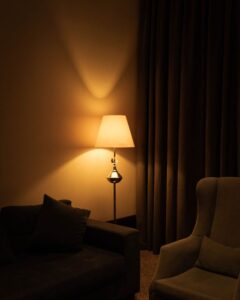
Proper lighting minimizes eye strain and creates an inviting atmosphere.
– Use a combination of natural light and artificial lighting. Position your desk to avoid screen glare.
– Task lighting, such as desk lamps with adjustable brightness, can focus light where you need it most.
– Consider warm-toned bulbs to add coziness, especially for late afternoon or evening work.
4. Personalize Your Space
Adding personal touches can make your office feel inviting and motivate you.
– Display photos, artwork, or inspirational quotes.
– Use decorative items like plants, cushions, or rugs to bring warmth.
– Choose a color scheme that relaxes or energizes you — blues and greens tend to be calming, while yellows and oranges can boost creativity.
5. Keep Your Workspace Organized
A clutter-free environment promotes clarity and efficiency.
– Make daily tidying a habit.
– Use trays, drawer dividers, and cable management tools to reduce mess.
– Keep only essential items on your desk to avoid distractions.
6. Incorporate Technology Wisely
Technology can enhance productivity but also be a source of distraction.
– Ensure you have a reliable internet connection and functional devices.
– Use wireless peripherals to reduce cable clutter.
– Consider noise-cancelling headphones if your space is prone to background noise.
7. Maintain a Healthy Work Routine
Your space should encourage good habits.
– Take short breaks to stretch and rest your eyes.
– Keep water and healthy snacks nearby.
– Use a timer or app to manage work sessions and breaks.
8. Manage Sound and Privacy
If noise is a concern, try some of these ideas:
– Use rugs and curtains to absorb sound.
– White noise machines or soft background music can mask distracting sounds.
– Noise-cancelling headphones are effective for focused work.
9. Create Dedicated Zones
If your home office doubles as a personal space, separate work from leisure.
– Use room dividers or different furniture arrangements.
– Reserve your workspace for work only to build a mental boundary.
—
Designing a home office that is both cozy and productive takes some planning, but the benefits are well worth the effort. By focusing on comfort, organization, lighting, and personalization, you can create a space that supports your work goals while making your day more enjoyable. Whether you’re setting up a new office or refreshing an existing one, these tips can help you make the most of your home workspace.